Table of Contents
Our default color palettes are just the starting point. You can personalize every aspect of your product options to ensure they fit your brand perfectly.
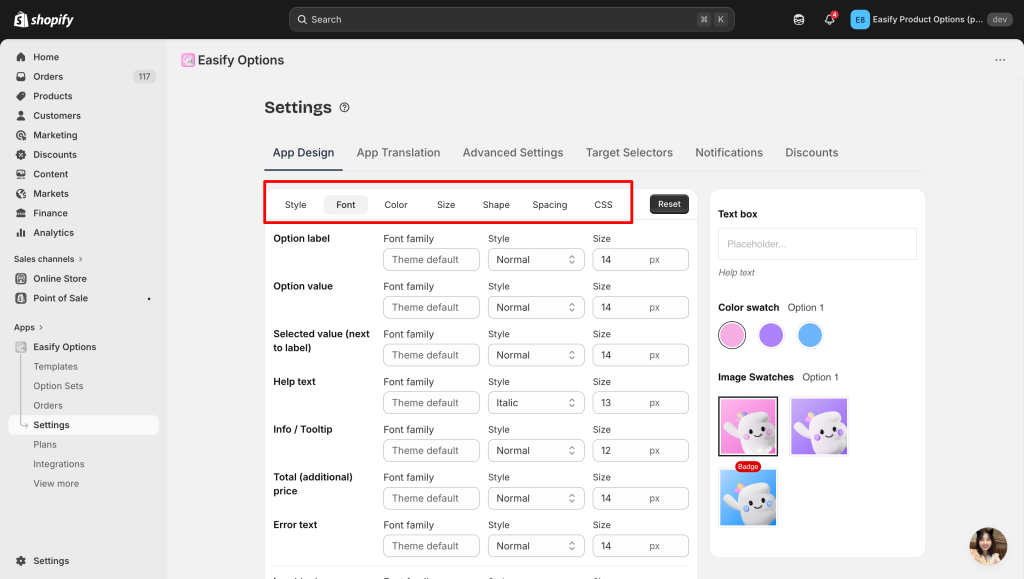
In the App Design tab, you can explore several sections to modify the appearance of your options:
- Style: Dark/Light mode and Modern/ Classic theme
- Font: Change the typography to match your store’s style.
- Color: Adjust the colors of labels, backgrounds, and borders.
- Size & Shape: Customize the dimensions and corner rounding of your buttons or swatches.
- Spacing: Fine-tune the distance between elements for a clean look.
- CSS: For advanced users, add custom code for even more control over the design.
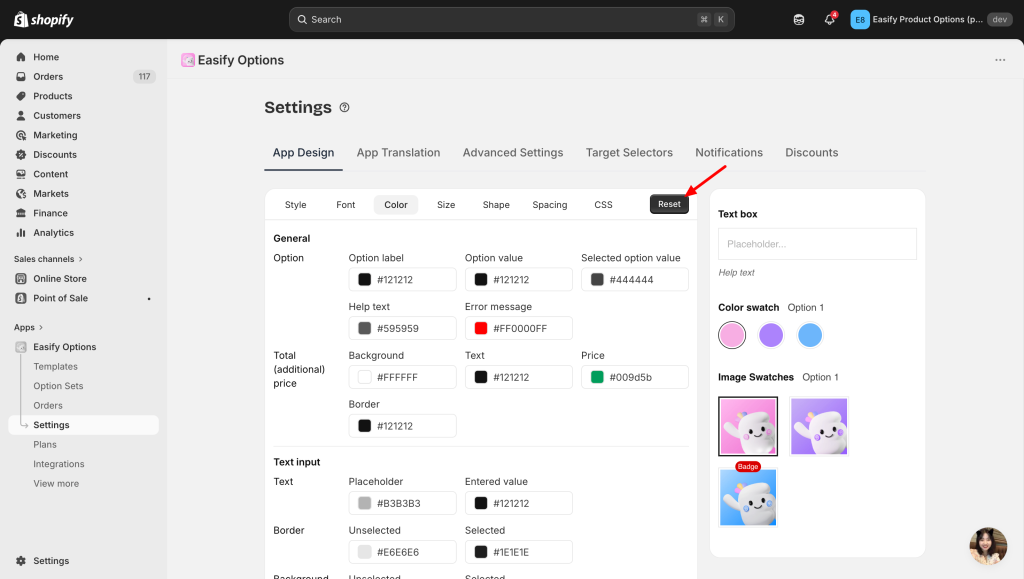
If you ever want to return to the original settings, simply click the Reset button.
Need Assistance? #
If you run into any issues while switching between modes or customizing your options, our support team is here to help! Reach out to us via in-app live chat for quick assistance.
