The Option URL enables admins to attach links to each option value. These links can be derived from the selected add-on products or entered manually. There are 2 types of Option URL, each type’s purposes cater to 2 distinct needs:
1. Establish Cross-Product Links/ Select Other Products In A Product Page
2. Include Detail Links for Add-on Products/ Custom Options
Establish Cross-Product Links/ Select Other Products In A Product Page #
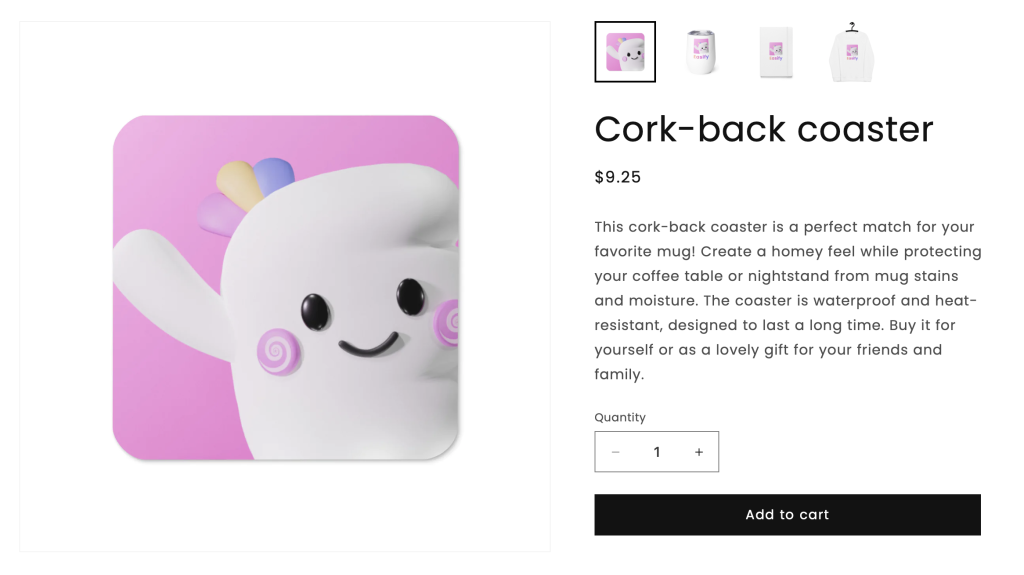
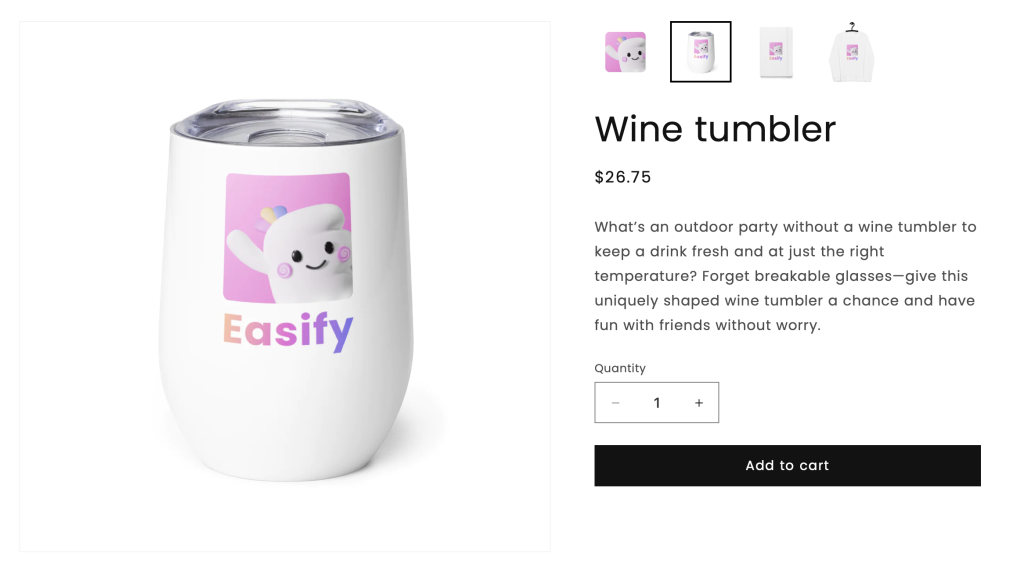
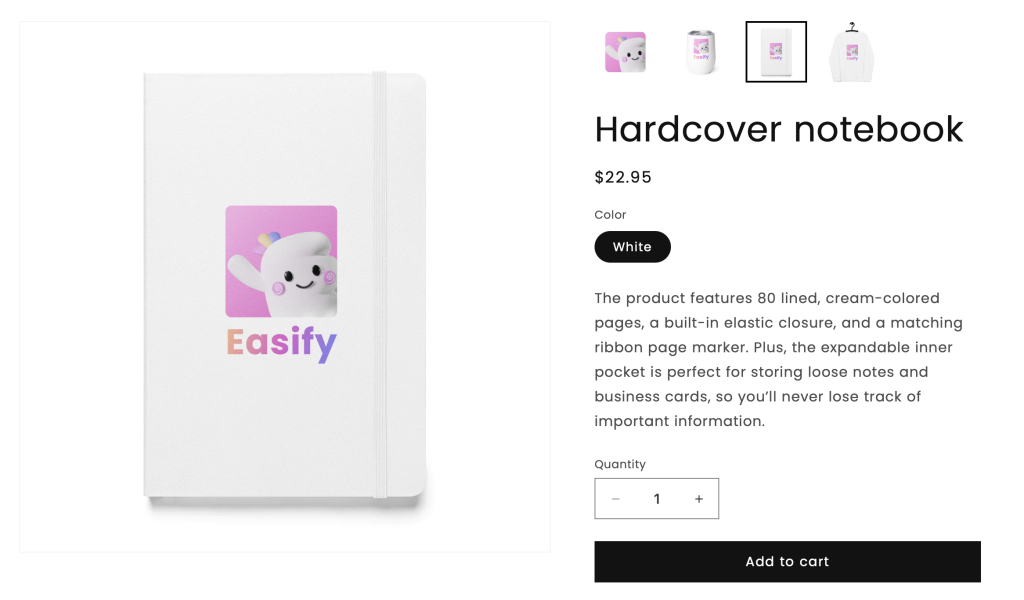
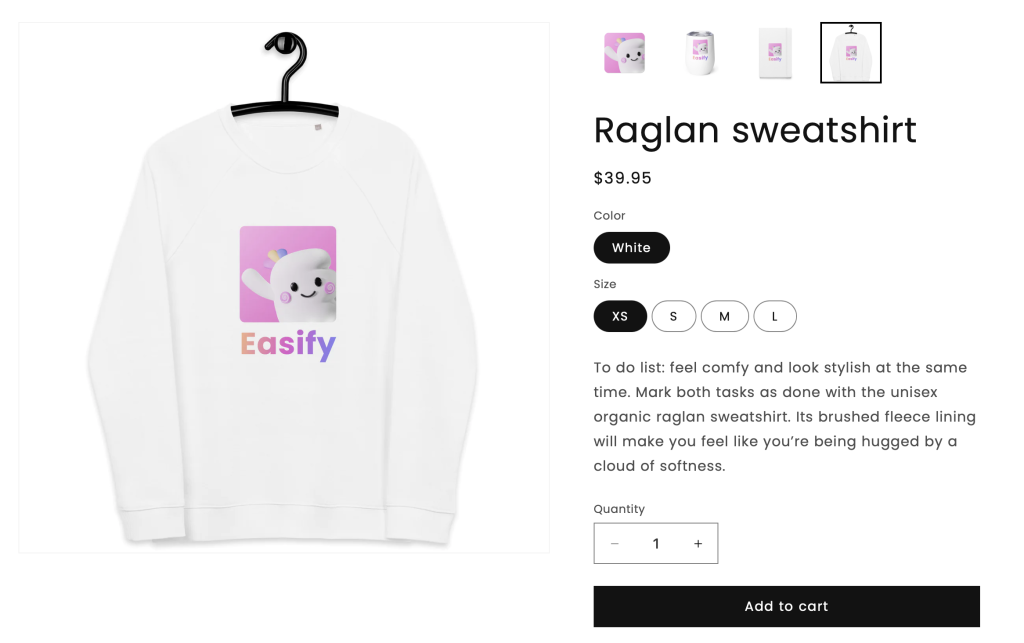
Using Cross-product links allows customers to seamlessly navigate between related products on a single page.
This is particularly beneficial for store owners looking to diversify their product catalog without consolidating items through Shopify variants. Whether showcasing different materials, colors, or product types, the objective is to provide users with a quick transition between products, emulating the ease of switching among Shopify variants.
This is especially handy for Print-on-Demand (POD) stores, where various products share the same custom design.
Beyond user experience, an unexpected perk emerges – Cross-product links contributes to robust Internal Link Building, bolstering the store’s SEO strategy.
Demo #
Setup Guide #
For Cross-product links setup for cross-product links, click here.
Explore additional details for add-on products/ Custom Options #
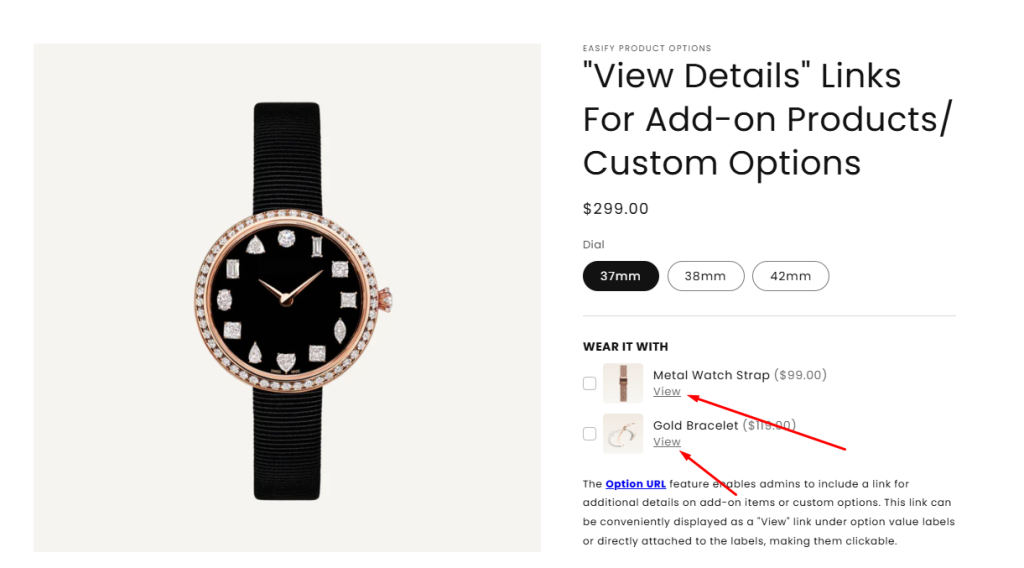
The integration of Option details links allows customers to access additional information about add-on products or custom options before making a final decision. This is particularly useful for required product options, complimentary gifts, or upselling/cross-selling items.
Traditionally, presenting such products on a page without additional details can lead to ignorance or low conversion rates, especially for higher-priced items.
Option details links address this by allowing customers to click for more details, streamlining the purchase process and enhancing the overall shopping experience.
Demo #
Setup Guide #
For Option details links setup for additional details of options, click here.
