
Personalization has quickly gone from a “nice-to-have” to a must-have for Shopify stores. Today’s customers expect more than just browsing and buying—they want products tailored to their needs, preferences, and even their identity. Whether it’s adding a name to a gift, uploading a custom design, or getting smart product recommendations, personalization plays a huge role in driving conversions.
The right Shopify personalization app can do more than just customize products. It can increase average order value with add-ons, improve the shopping experience with live previews, and boost revenue through upsells and AI-driven recommendations across the entire customer journey.
In this guide, we’ve rounded up the top 5 Shopify personalization apps that help you turn customization into a powerful growth tool. Whether you’re selling personalized gifts, print-on-demand products, or simply want to optimize your store with smarter recommendations, these apps offer the features you need to convert more visitors into customers.
1. Easify Custom Product Options
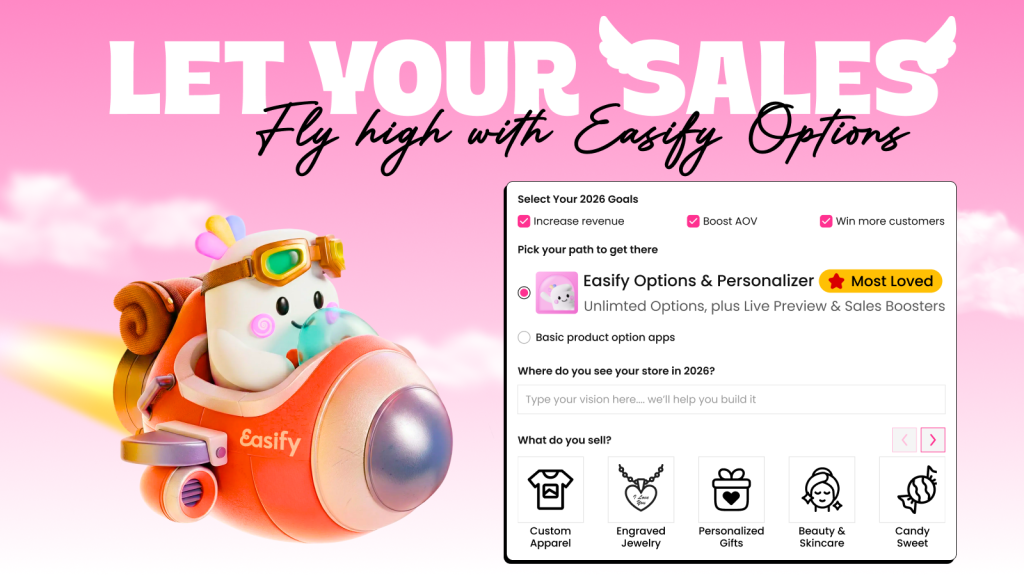
Easify Custom Product Options is built for Shopify stores that want to do more than just offer personalization—it helps turn customization into a smoother buying experience and a real source of revenue.
Instead of being limited by Shopify’s default variants, Easify lets you create unlimited product options. This makes it especially useful for stores selling things like engraved jewelry, custom apparel, or giftable products where customers expect to add their own touch. The app keeps everything on the product page, so shoppers don’t have to go through a complicated process to customize what they’re buying.
A big highlight is its live product personalizer. As customers enter text, upload images, or choose styles, they can see those changes reflected in real time. That instant feedback makes the experience feel more interactive and helps reduce hesitation—people are more likely to buy when they can clearly see what they’re getting.
Easify also does a great job of balancing flexibility with simplicity. Even if your products require multiple steps or detailed inputs, the app keeps things organized using conditional logic. That means shoppers only see relevant options based on their selections, instead of being overwhelmed with too many fields at once.
Here’s a quick look at what it offers:
- Multiple input types: text fields, dropdowns, checkboxes, swatches
- Advanced options: file/image upload, custom sizes, date & font pickers
- Live preview personalizer directly on the product page
- Price add-ons and upsells tied to specific options
- Conditional logic to show/hide fields dynamically
Bottom line: Easify is a great choice if you want a flexible, easy-to-use product customizer that not only improves the shopping experience but also helps increase conversions and average order value.
2. Customix Product Personalizer
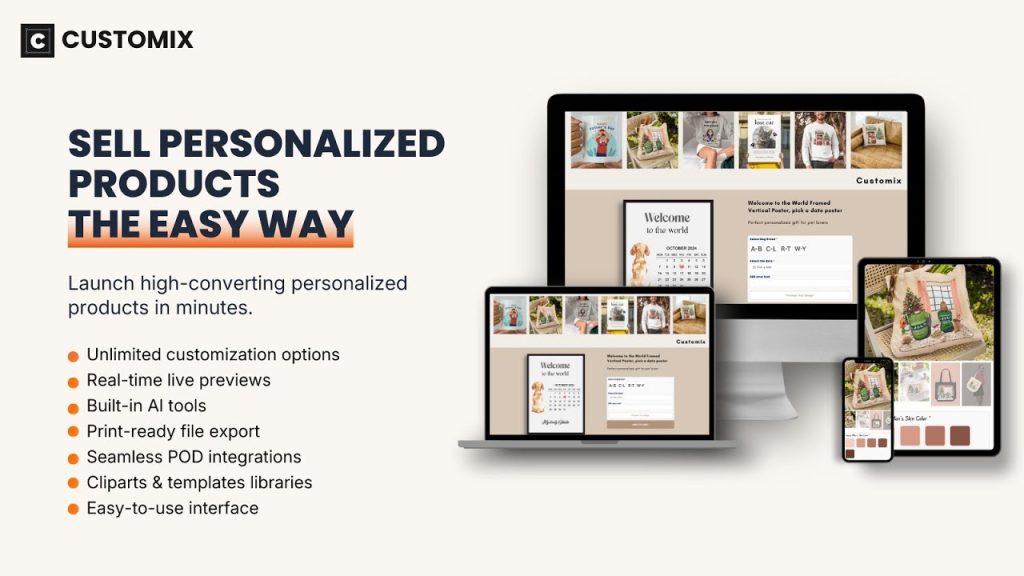
Customix Product Personalizer focuses on making product customization not just easy to set up—but scalable, especially for print-on-demand businesses.
What sets Customix apart is how well it connects the front-end experience (what customers see) with the back-end workflow (how you fulfill orders). It’s designed for merchants who want a smooth customization interface without creating extra manual work after the sale.
On the customer side, Customix delivers a clean, interactive live preview experience. Shoppers can add text, upload images, and work with design elements directly on the product, seeing updates instantly. The interface is also optimized for mobile, which is a big deal considering how many shoppers customize products on their phones.
Where Customix really stands out is in its built-in AI tools. Features like background removal, face cutouts, and sketch effects make it easier for customers to create polished designs without needing external software. This lowers the barrier to entry and can lead to more completed purchases.
Here’s a quick look at what it offers:
- Flexible customization: text, images, clipart, and design elements
- Built-in AI tools: background remover, face cutout, sketch effects
- Live product preview for real-time customization
- Mobile-optimized design experience
- Exportable print-ready files and CSV order data for fulfillment
Bottom line: Customix is a strong choice for stores that want a powerful product personalizer with built-in design tools and streamlined fulfillment—especially if you’re running a print-on-demand or design-heavy business.
3. Mini: Custom Fields Personalize
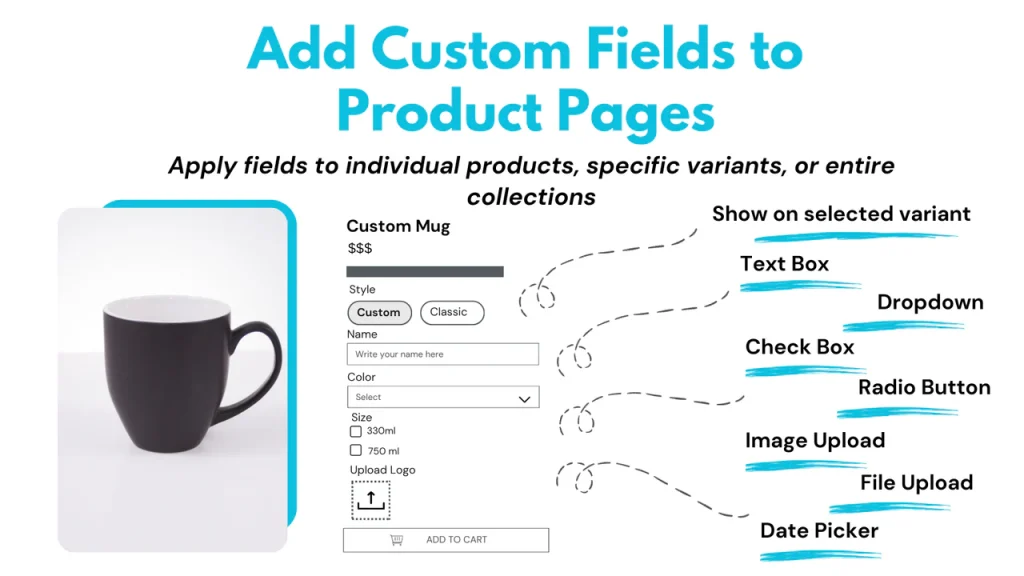
Mini: Custom Fields Personalize is a straightforward solution for adding personalization to your products without overcomplicating things. It’s especially well-suited for stores that need simple, reliable custom input fields rather than advanced visual design tools.
The app focuses on letting customers easily provide the information you need—whether that’s engraving text, gift messages, special instructions, or uploaded files. You can attach these fields directly to products or even specific variants, which gives you more control over when and where customization appears.
Unlike more design-heavy apps, Mini keeps things lightweight. There’s no complex visual editor—instead, it prioritizes clean input forms on the product page, making it quick for customers to fill out details and complete their purchase. This can be a big advantage if your customization needs are functional rather than visual.
Here’s a quick look at what it offers:
- Custom input fields: text boxes, dropdowns, checkboxes, date pickers
- File and image uploads for personalized orders
- Variant-level customization for more control
- Order notes and form-style inputs for detailed requests
- Price add-ons and surcharges tied to custom fields
Bottom line: Mini is a great pick if you want a simple, no-frills personalization app that handles custom inputs and add-ons efficiently—without the complexity of a full visual product designer.
4. Rebuy Personalization Engine
Rebuy Personalization Engine takes a different approach from the other apps on this list. Instead of focusing on product customization fields, it’s built to personalize the entire shopping journey—from the moment a customer lands on your site to after they’ve completed a purchase.
At its core, Rebuy uses AI to deliver smart product recommendations, upsells, and cross-sells across key touchpoints like the cart, checkout, and post-purchase flow. The goal isn’t just to improve the experience—it’s to systematically increase average order value (AOV) and customer lifetime value (LTV).
One of its standout features is the Smart Cart, a fully customizable cart experience that goes beyond the default Shopify setup. It can dynamically recommend products, suggest add-ons, and adapt based on customer behavior in real time. Combined with personalized recommendations in checkout and even after purchase, Rebuy helps you capture revenue opportunities that most stores miss.
Here’s a quick look at what it offers:
- AI-powered product recommendations, upsells, and cross-sells
- Smart Cart with dynamic, personalized offers
- Personalization across cart, checkout, and post-purchase
- A/B testing and automation flows for optimization
- Deep integrations across search, collections, and the full customer journey
Bottom line: Rebuy is ideal for stores that want to go beyond product customization and fully optimize their revenue with AI-driven personalization at every stage of the buying journey.
5. Inkybay – Product Personalizer
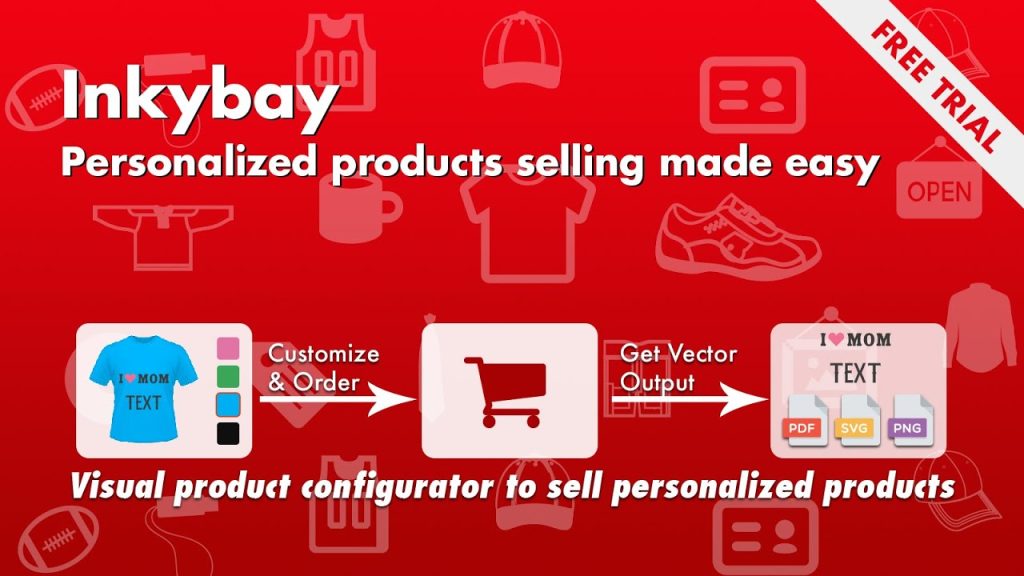
Inkybay – Product Personalizer is built for merchants who want to offer a fully visual, design-your-own product experience—especially for print and made-to-order businesses.
Unlike simpler customization apps, Inkybay leans heavily into a product configurator-style interface. Customers can actively design their products by adjusting text, images, colors, and layouts while seeing everything update in real time. This makes it a strong fit for stores selling items like custom t-shirts, signage, stickers, or anything that involves visual design.
It’s also designed with production in mind. After a customer completes their design, Inkybay generates print-ready files (PDF, SVG, JPG, PNG), making it much easier to move directly into fulfillment. Combined with support for multiple printing methods—like DTG, screen printing, sublimation, and embroidery—it fits seamlessly into a wide range of workflows.
Here’s a quick look at what it offers:
- Visual product configurator with real-time design preview
- Advanced product options and custom design controls
- Dynamic pricing based on size, color, quantity, and selections
- Tiered pricing and quantity discounts
- Print-ready file export (PDF, SVG, JPG, PNG)
- Support for multiple printing methods (DTG, screen print, embroidery, etc.)
Bottom line: Inkybay is a powerful choice for businesses that need a full visual product builder with dynamic pricing and production-ready outputs—especially if you’re selling complex, design-heavy custom products.
Final thoughts
Choosing the right Shopify personalization app ultimately comes down to what kind of experience you want to create for your customers—and how you want to grow your store.
The key is to match the app to your business model. Think about whether you need visual customization, simple input fields, or full-funnel personalization—and how each tool fits into your workflow.
At the end of the day, personalization isn’t just about offering more options. It’s about creating a smoother, more engaging shopping experience that encourages customers to buy—and spend more when they do. The right app can make that happen.