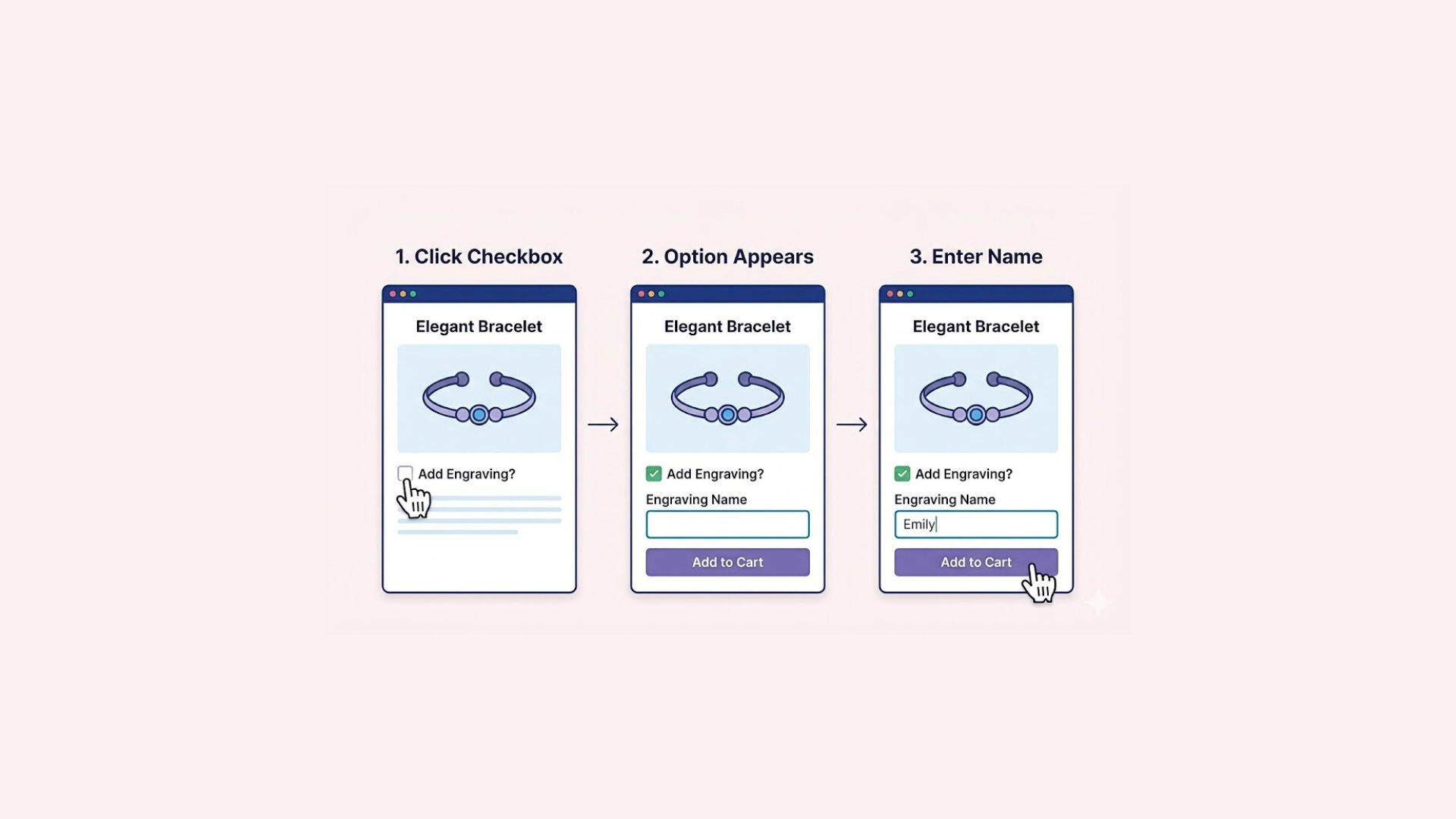

For years, managing complex catalogs was a challenge due to the old 100-item cap. Recently, the Shopify variant limit was officially increased to 2,048 per product.
This update allows merchants selling highly customizable items to keep their inventory on a single product page, creating a smoother shopping experience. However, there are still a few different scenarios to keep in mind before updating your catalog. Whether you want to know how to organize these new numbers effectively, or how to bypass the limits completely for even more flexibility, we have you covered. Let’s look at exactly what this update means for your business.
What Actually Changed?
The most obvious update is the massive jump in capacity. The maximum number of variations you can have on a single product is now 2,048, a major increase from the previous limit of 100. To support these new variations, you can now assign up to 250 total media files per product, giving you plenty of room for different images, videos, and 3D models.
This limit increase means you no longer have to split a highly customizable item across multiple different product pages. By consolidating everything onto one single URL, you can effectively concentrate your SEO efforts and significantly simplify the customer’s browsing experience on your storefront.
Finally, to handle all this extra data, Shopify upgraded its backend APIs. Because of this infrastructure improvement, creating and managing these high-variant products is now noticeably faster and more efficient directly within your admin dashboard.
Things to Know About the New Limit
Before updating your entire product catalog, it helps to understand how this new limit interacts with your store’s current setup. Here are a few technical details to keep in mind as you begin expanding your variations.

The Three-Option Rule
While the total number of variations has increased, Shopify still restricts products to a maximum of three option categories, such as Size, Color, and Material. If your product requires a fourth option, the native system will not support it. Additionally, there is still no built-in conditional logic to automatically show or hide specific choices based on what a customer has already selected.
The 250 Variant Display Cap
Another technical detail involves how storefronts load data. Shopify’s core code, Liquid, currently caps out at displaying 250 variants natively in the HTML. Because Google and other search engines only read what is immediately available in that code, they cannot see more than 250 variants on a single page.
If you want to show all 2,048 variations to your shoppers, your store will need to rely on additional JavaScript, which can noticeably impact your page loading speed.
Theme Compatibility and Updates
Displaying this many variations requires a compatible storefront design. Older themes may not be equipped to handle the new data limit, so you might need to update your theme’s code.
For example, upgrading to Dawn version 15.0.0 or higher will ensure your product pages display and function smoothly for your shoppers.
Easify Product Options: The Smart Way to Bypass Shopify’s Limits
While the new limit is a great update, it doesn’t change Shopify’s core structure. If you need more flexibility than the default setup allows, using a dedicated app is the most effective way to manage complex products. Easify Product Options is designed specifically to help you bypass these native restrictions while keeping your store easy to manage.
Here’s why Easify is the go-to app for overcoming Shopify’s variant and option limitations:
- Infinite Options and Variants: Easify breaks free from Shopify’s 2048-variant and three-option cap, enabling store owners to create unlimited product options and variants, perfect for highly customizable products like furniture, apparel, or specialty foods.
- Diverse Option Display Types: With 26 option display types, including text boxes, image swatches, dropdowns, and more, Easify allows merchants to present options in a way that aligns with their brand and enhances the customer experience.
- Ready-Made Templates: The app offers over 100 pre-designed option set templates for various industries, such as clothing, jewelry, bedding, or pizza, streamlining the setup process for diverse stores.
- Rich Advanced Features: Easify includes powerful tools like conditional logic, addon products, extra pricing, option-based image changes, tiered wholesale pricing, option groups, advanced pricing, and multiselection, providing unmatched flexibility for complex product configurations.
- Bulk Product Customization: Merchants can efficiently create and assign custom options to multiple products at once, saving time for stores with large inventories.
- In-App Live Preview: The live preview feature lets store owners test and visualize all options before publishing, ensuring a polished and error-free customer experience.
- 24/7 Support: Easify provides round-the-clock in-app live chat support, along with free live demos and consultations, ensuring merchants have the guidance they need to succeed.
By leveraging Easify Product Options, store owners can bypass Shopify’s limitations without technical hurdles, creating a seamless, scalable, and customer-friendly shopping experience. Our app empowers merchants to fully showcase their product offerings while maintaining ease of management, making it the recommended solution for tackling Shopify’s variant constraints.
Conclusion
The new 2,048 variant limit is a major step forward for managing complex catalogs on a single page. While this increase offers more room than ever before, it is important to remember the existing technical rules regarding option categories and the 250-variant display cap.
For most stores, the native update is a great start. However, if you need to break the three-option limit, add smart conditional logic, or even surpass the 2,048 variant cap entirely, Easify Product Options provides the ultimate flexibility. By combining Shopify’s new capacity with the right tools, you can create a seamless shopping experience without any technical trade-offs.